
01
Wi-Fi access points
Indoor, outdoor and high-density APs, placed from a survey instead of a guess. Ceiling, wall and plenum-rated mounts.
- UniFi Wireless Networking
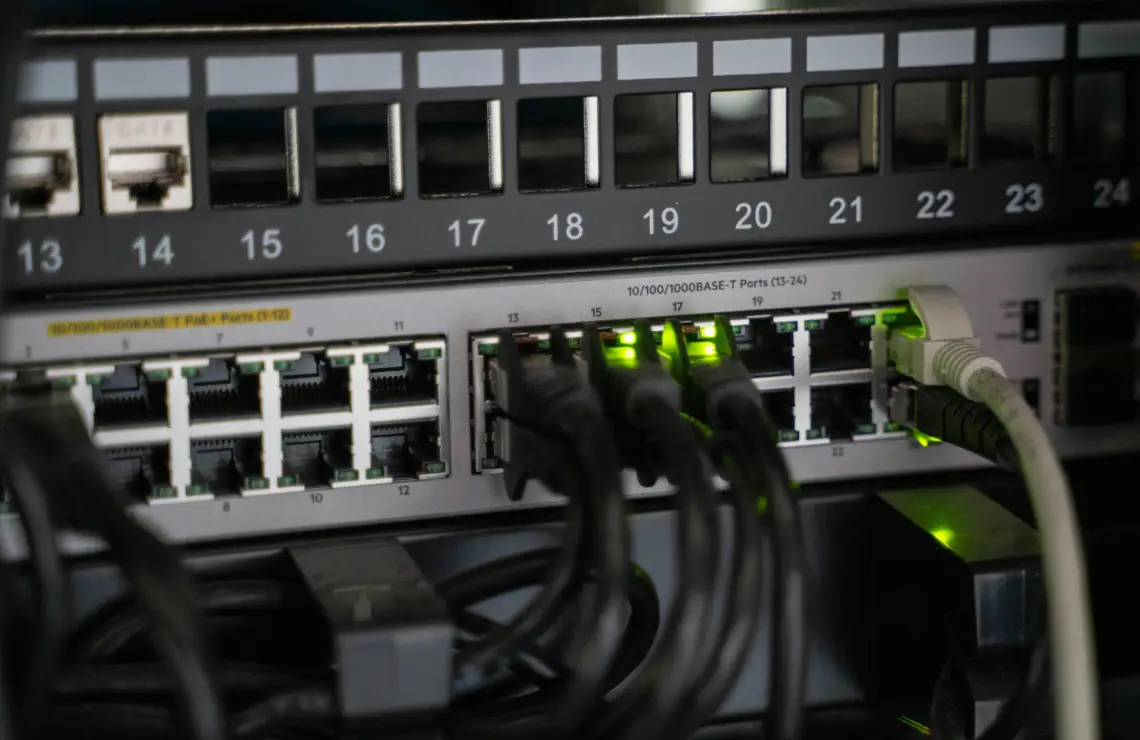
Wi-Fi, Switching, Cameras and Door Access on Ubiqti/UniFi equipment. We survey the site, run and certify cables, mount and configure the hardware, then hand you a network that you can manage.
Choose whichever is easiest for you.
Prefer email? sales [at] reonsystems [dot] com
One team for the survey, the cabling, the hardware and the configuration. No hand-offs between an electrician, an IT contractor and a camera installer.
Indoor, outdoor and high-density APs, placed from a survey instead of a guess. Ceiling, wall and plenum-rated mounts.
Switches sized to your PoE load, racked and patched. Separate VLANs for staff, guests, cameras and phones.
Gateway and console setup, firewall rules, guest portals and remote management, so you can see every site from one dashboard.
Coverage planned around entrances, parking, bays and stock. PoE cabling, NVR setup and remote viewing from any device.
Readers, door hardware wiring, schedules and user management. Entry logs tied into the same system as your cameras.
Cat6, Cat6a and fiber runs, racks and patch panels. Every drop labeled, tested and logged before we leave.
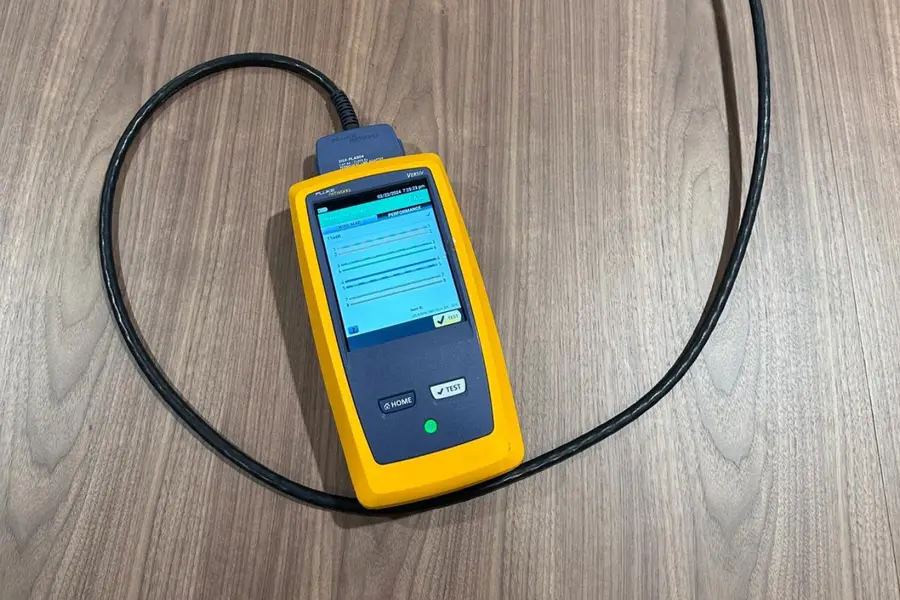
We survey with Ekahau tools and give you heatmaps and a placement plan before anything is mounted.
New runs are tested with Fluke certification gear, and throughput is load tested with iPerf3 after setup.
You get labeled ports, floor plans, a network overview and a walkthrough with your team at handoff.
The process we use on enterprise migrations, scaled to fit a single office or store.
From a single store to a multi-building migration, counted device by device.
UniFi runs on hardware you buy once. No per-device licenses and no annual renewals to keep your Wi-Fi, cameras or door access working.
The network, camera and door access software comes with the hardware. Nothing expires after year one.
Cameras record to a recorder on your site, so footage stays with you and there is no per-camera storage plan.
Check every site, camera and door from a browser or phone app without a monthly management fee.
Some UniFi add-ons are paid, such as cellular backup or phone service plans. We point those out before you buy anything.
Yes. We can install and configure hardware you already have, or spec and source it for you after the site survey.
It depends on walls, ceiling height, materials and how many devices connect at once. The site survey answers it with a heatmap and a placement plan, so you buy the right number up front.
If you have Cat5 or Cat5e, an upgrade usually pays off. Access points, cameras and phones powered over PoE run best on Cat6 or Cat6a. If you own the building or plan to stay for years, fiber between closets is worth considering. We check what is in the walls during the assessment.
We plan the cutover in phases with your team, so areas move over one at a time. On the Bayer migration we swapped 121 access points and 20 switches across a working site.
A tested network, labeled ports and cables, floor plans with device locations, a network overview, and a walkthrough with whoever will manage it.
Yes. We offer post-installation health checks, and support is available 24/7/365.
We serve the Chicago and Dallas Metro Areas, including Fort Worth.
Tell us about the site and we will set up a walkthrough.